Replace every Lemon Squeezy checkout link, overlay and buy button (without missing one)
By Naveen Meena · Updated · Lemon Squeezy stops processing payments March 31, 2027
Short answer
Lemon Squeezy checkout links, storefront URLs and embedded checkouts won't redirect anywhere after the move. Find every link (search your code, docs and emails for 'lemonsqueezy.com' and 'lemon.js'), point each buy button at a URL on your own domain such as /buy/pro, and have that URL redirect to your new provider's checkout.
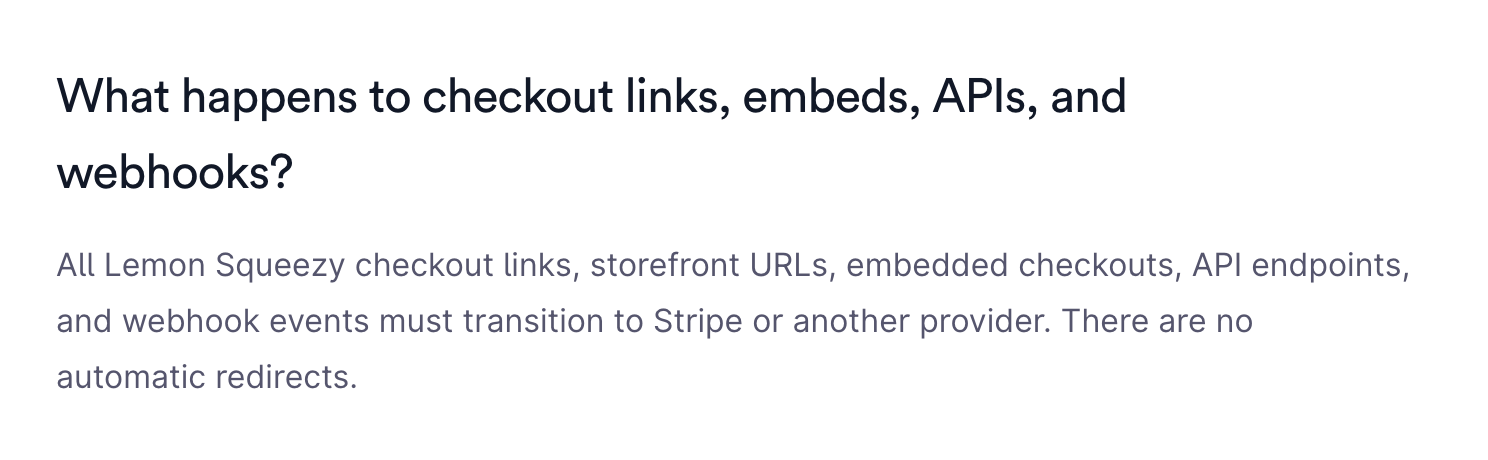
Lemon Squeezy's migration FAQ is short on this one: "All Lemon Squeezy checkout links, storefront URLs, embedded checkouts, API endpoints, and webhook events must transition to Stripe or another provider. There are no automatic redirects."
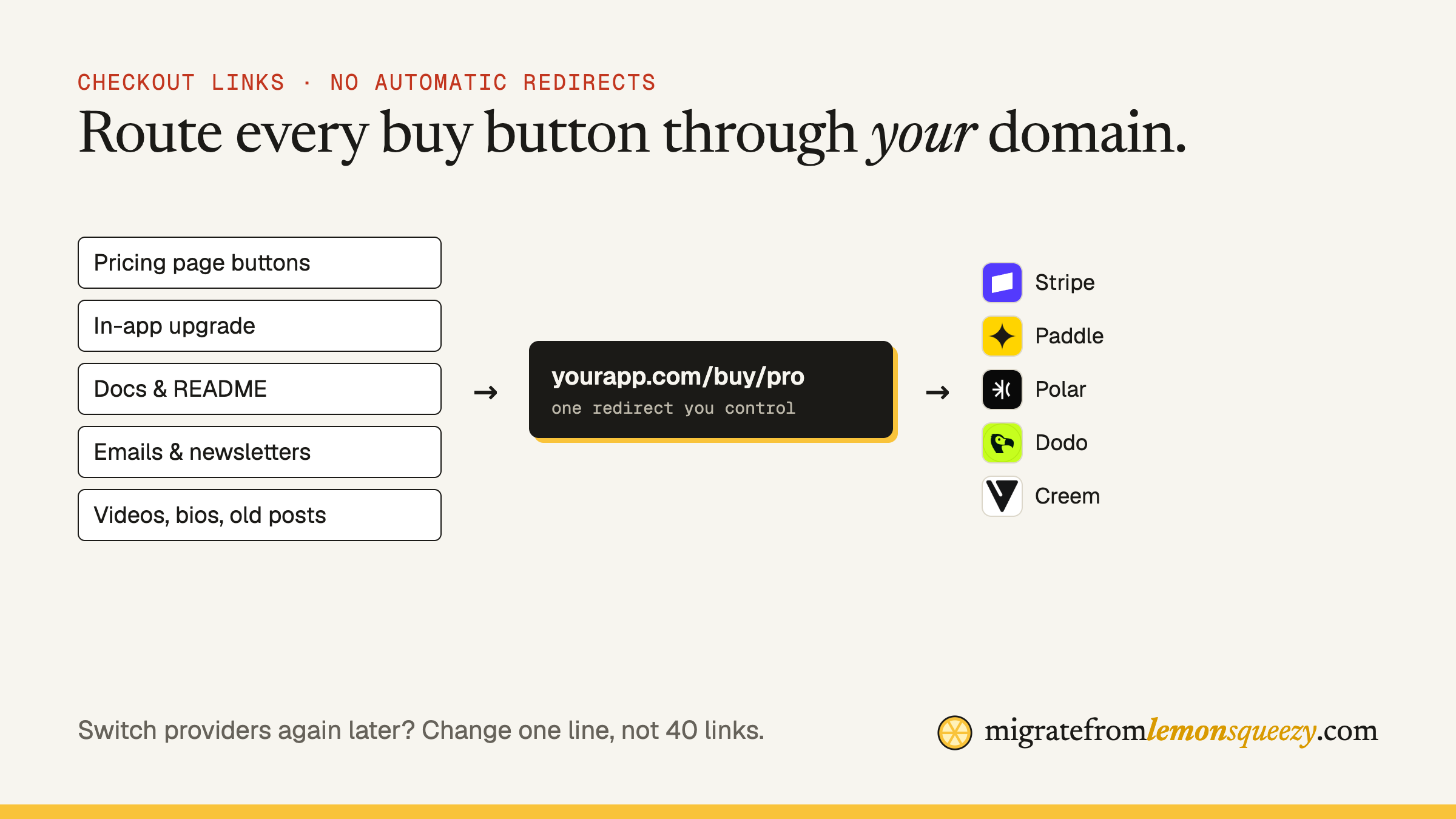
Checkout links are scattered. They're on your pricing page, but also in a README from 2024, a YouTube description, a welcome email, an in-app upgrade modal and somebody's blog review. Miss one and that traffic hits a dead checkout.
Step 1: find every link
In your code and content
Search your repositories, CMS exports and docs for:
lemonsqueezy.com/buyandlemonsqueezy.com/checkout(checkout links).lemonsqueezy.com(your store subdomain and storefront)lemon.jsandlemonsqueezy-button(the overlay script and its button class)api.lemonsqueezy.com(API calls, including checkout creation and license checks)
Outside your code
- Transactional and marketing email templates, including welcome and dunning emails
- Newsletter archives and autoresponders
- Social bios, pinned posts, link-in-bio pages
- Video descriptions, course platforms, community pinned posts
- Directory listings (Product Hunt, marketplaces) and partner sites
- Affiliate links your partners use (these move with the affiliate migration)
Put them all in a spreadsheet: location, URL, product/variant, owner (you or a third party).
Step 2: stop linking to providers directly
Before replacing anything, make one change that pays off forever: every buy button points at a URL on your own domain, like yourapp.com/buy/pro-monthly, and that URL redirects to the provider's checkout.
- Next time you change providers (or prices), you change one line, not 40 links.
- You can add tracking, coupons and custom data in one place.
- Links in old emails and videos keep working forever.
A minimal version is a route that maps a plan name to the current checkout URL and returns a 302. If you create checkout sessions per user, the same route can create the session server-side and redirect.
Step 3: replace the overlay
If you used Lemon.js to open checkout in an overlay, each provider has an equivalent:
| Provider | Hosted link | Overlay / embedded |
|---|---|---|
| Stripe Managed Payments | Payment Links, Checkout | Stripe Checkout (hosted or embedded) |
| Paddle | Checkout links | Paddle.js overlay or inline checkout |
| Polar | Checkout links | Embedded checkout |
| Dodo Payments | Payment links | Overlay / inline checkout |
| Creem | Checkout links | Hosted checkout |
Capabilities change; check the provider's current docs. Our provider guides go deeper: Stripe, Paddle, Polar, Dodo, Creem.
Step 4: carry your custom data
If you passed checkout[custom][user_id] to Lemon Squeezy so the webhook knew which user paid, the replacement must carry the same thing: Stripe client_reference_id or metadata, Paddle customData, Polar/Dodo/Creem metadata. Without it, payments arrive but nobody gets access. More in the webhook guide.
Step 5: handle the links you can't edit
Links on your own domain are easy: redirect them. Links that point straight at your Lemon Squeezy store subdomain (in old videos, other people's articles) can't be redirected by you. For those:
- Ask the site owner to update it (most will).
- Pin a comment or update the description on videos you own.
- Accept a small tail of dead links, and make sure your site ranks for your product name so people find the right page.
Step 6: test every path
For each plan, in test mode:
- Click the button from the pricing page, the app, an email.
- Complete a purchase with a test card.
- Confirm the webhook fires, your user gets access, and the receipt email looks right.
- Repeat for a coupon, a different country (tax shown correctly), and a mobile device.
Checklist
- Every Lemon Squeezy URL inventoried (code, email, external)
- /buy/:plan redirects live on your domain
- Overlay replaced
- Custom data passed through
- Third parties asked to update links
- All plans tested end to end
Don't want to do this yourself? We'll do the whole migration at a fixed price.
Questions
Will my Lemon Squeezy checkout links redirect after migrating?+−
No. Lemon Squeezy's docs say there are no automatic redirects for checkout links, storefront URLs, embedded checkouts, API endpoints or webhooks.
How do I replace the Lemon.js overlay?+−
Use your new provider's overlay or embedded checkout (for example Stripe Checkout, Paddle.js or Dodo's overlay), and load it from a buy route on your own domain.
How do I find all my Lemon Squeezy links?+−
Search code, docs and email templates for lemonsqueezy.com/buy, lemonsqueezy.com/checkout, your store subdomain, lemon.js and api.lemonsqueezy.com, then check bios, videos, directories and partner sites.